Why I built it
Family recipes usually live in notebooks, chat messages and people's heads. I wanted one place where my wife and my mum could write them down, find them again, and see which ones the family likes.
It was also how I learned Vue 3. Instead of following another tutorial, I built something my own family would use and put it online.
What it does
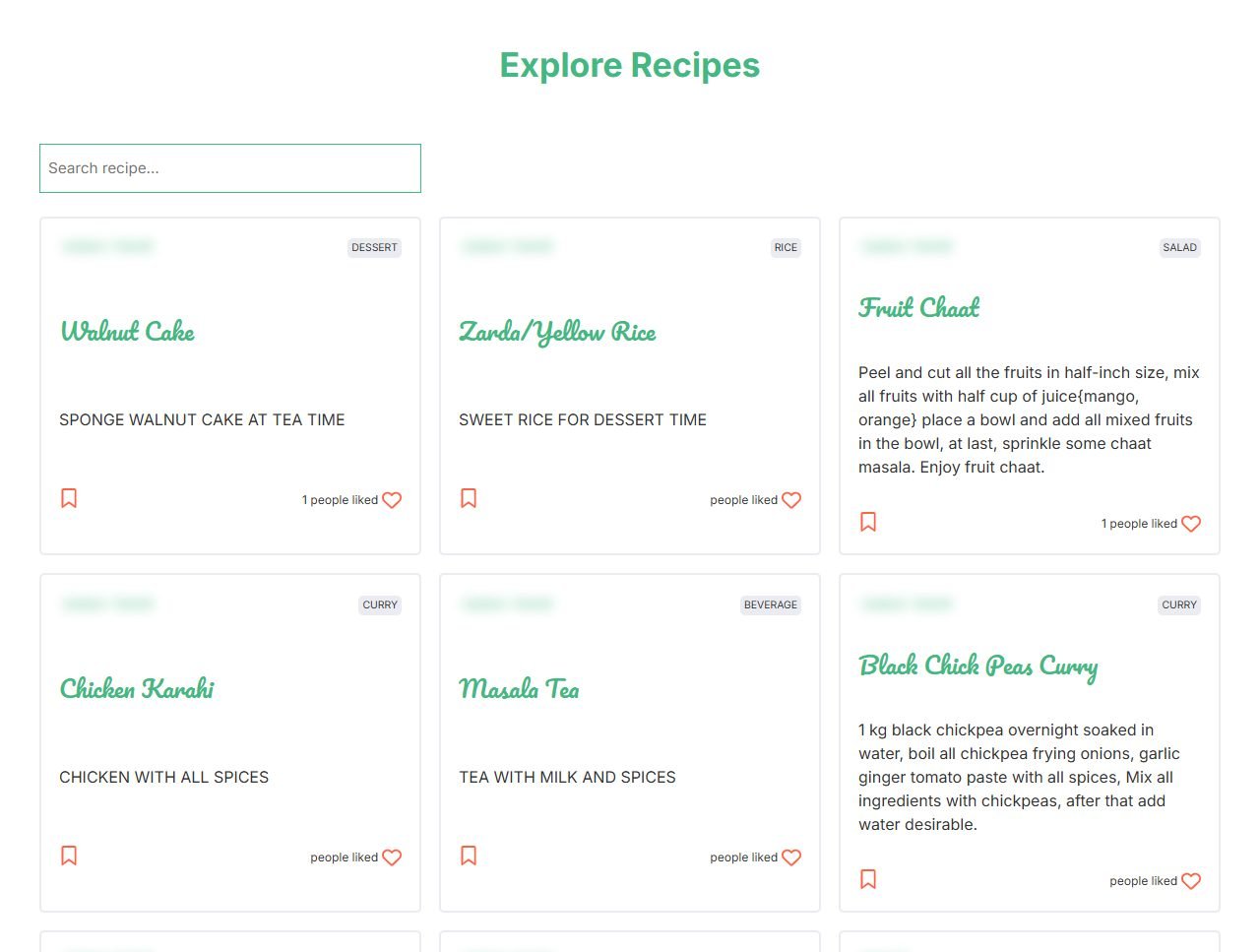
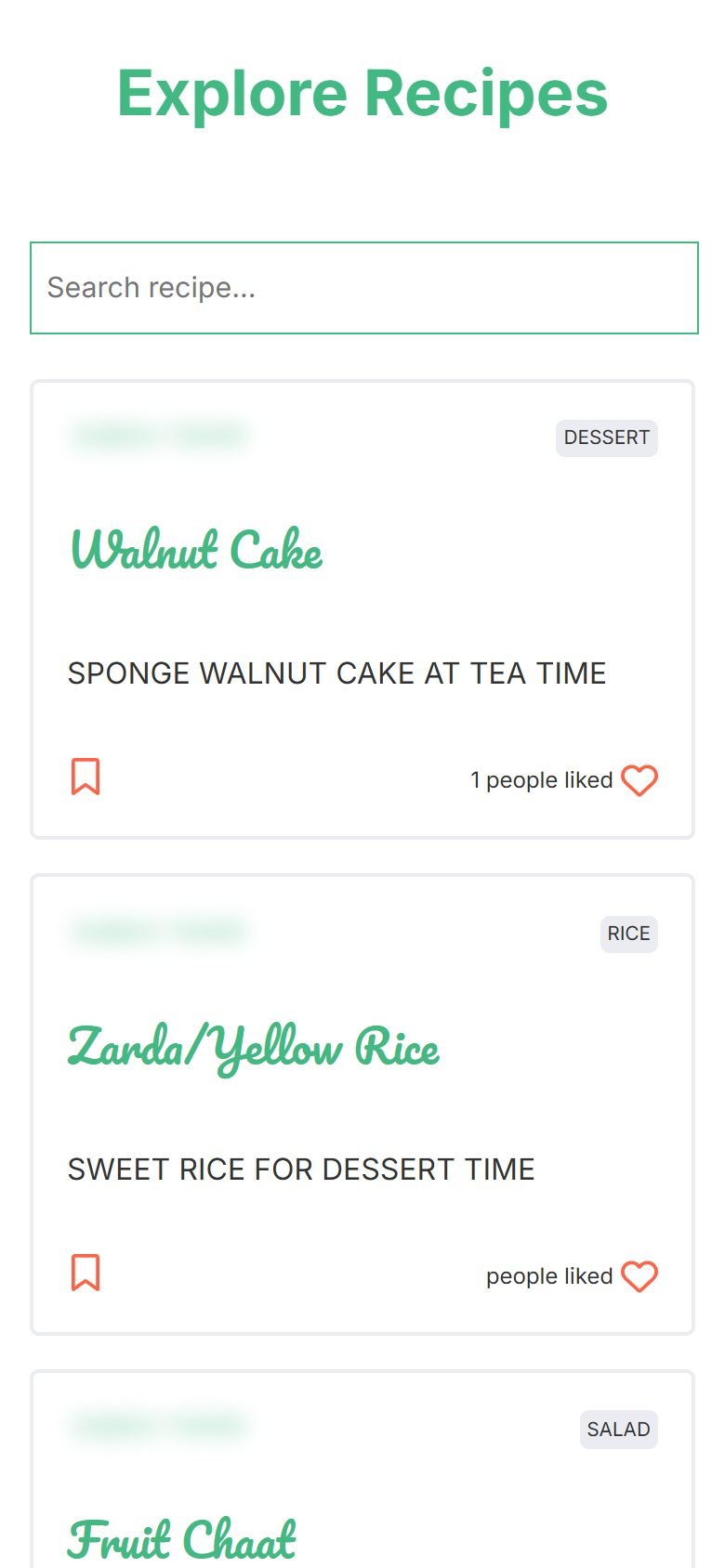
The home page lists every recipe, newest first. Each card shows the category, a short description and how many people liked it. A search box narrows the list by recipe name as you type.
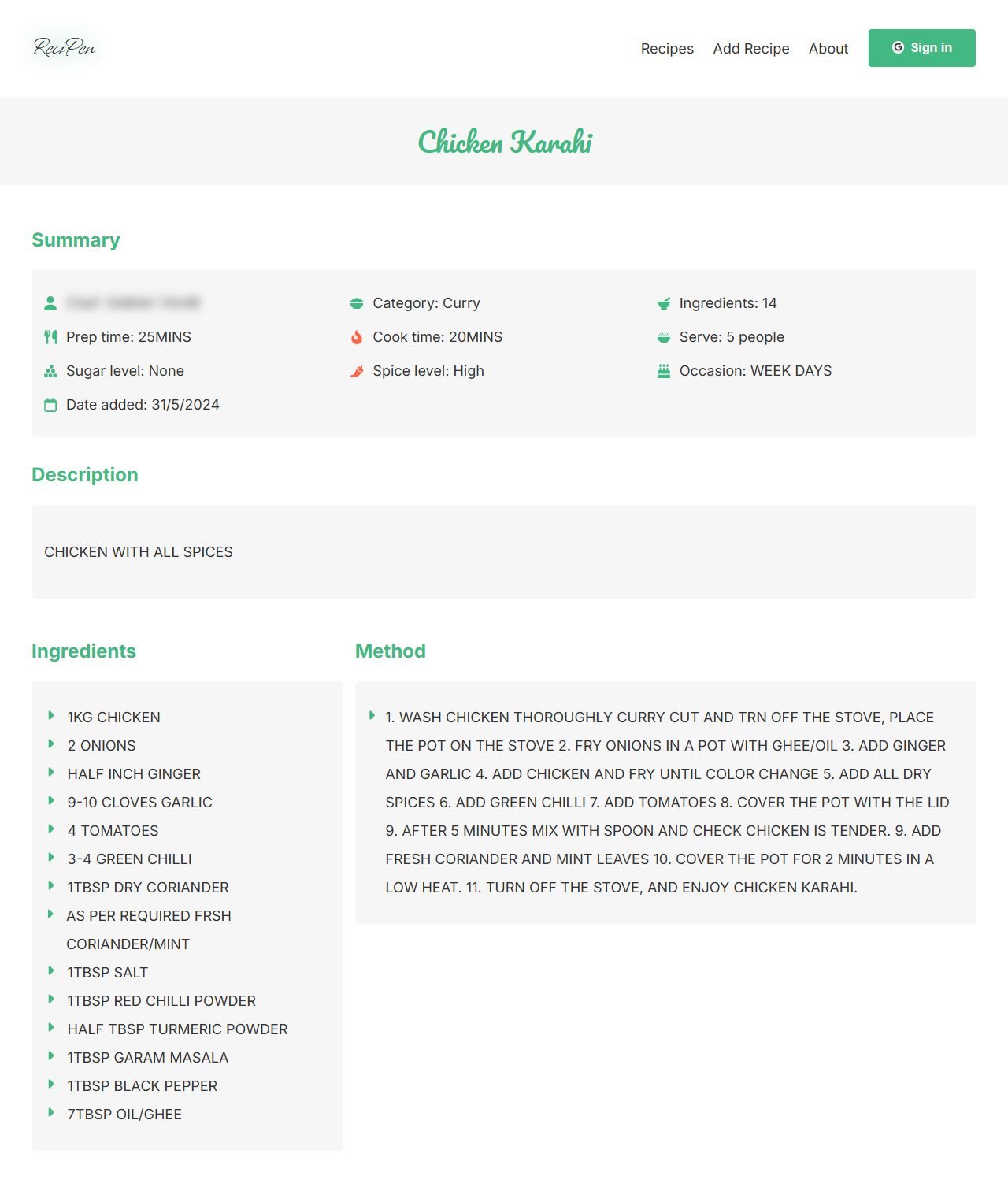
Opening a recipe shows a summary first: category, number of ingredients, prep and cook time, how many people it serves, sugar and spice level, the occasion and the date it was added. The ingredients with their quantities and the method steps sit below.
Signing in
Anyone can browse and read recipes. Everything that changes data needs a Google sign-in, which Firebase Authentication handles.
- Signed-in people can add a recipe, like a recipe and save it to their collection. Signed-out visitors who try to like or save see a message asking them to sign in.
- Favourites lists the recipes you saved, and My recipes lists the ones you added.
- Only the person who added a recipe sees the Edit and Delete links on it. Delete asks for confirmation first.
Adding a recipe
The form asks for a name, a description, the ingredients and the method steps. Ingredients and steps are repeating rows: each ingredient has a name and a quantity, and you add rows as you need them.
The rest of the form fills the summary on the recipe page: a category (curry, rice, snack, dessert, salad or beverage), sugar and spice level, prep and cook time, serving size, occasion and the chef's name. If something is missing, a message asks you to check the form.
How it is built
- Vue 3 single-file components using the Composition API, built with Vite.
- Vue Router handles the pages. A route guard asks Firebase Authentication for the current user before it opens My recipes, Favourites or the edit page, and sends signed-out visitors back to the home page.
- A Pinia store holds the signed-in user, so the header, the cards and the forms read the same state.
- Two service files wrap every Firestore call, so components never query the database directly.
- Firestore has two collections.
recipesholds each recipe with its like and view counts.userInteractionsholds one document per person, with the IDs of the recipes they liked and saved. - Before a like is counted, the app checks that person's
userInteractionsdocument, so each person can like a recipe once. The count goes up with Firestore'sincrement, so two likes at the same moment both count. - Short toast messages confirm sign-in, likes, saves, updates and deletes.
How it ships
- I built each feature on its own branch, such as Firebase setup, auth, routing, search, edit and delete, and favourites and likes, and merged them into main through pull requests.
- Render builds the app from the GitHub repository with Vite and serves the result.
- Google Analytics came later, in its own pull request.